How to Play Free Fire
Free Fire is an online mobile battle royale game. Garena lists the official Android download on Google Play and the iOS download on the App Store. Install the game from the official store for your device, open it, and sign in using an available account option.
Learn the Main Match Goal
In Battle Royale, you enter a match, collect equipment, avoid being eliminated, and try to remain alive as the play area changes. The last surviving player or team wins. Other modes have different objectives, so read the mode description in the lobby before queuing.
A Beginner’s First-Match Routine
1. Choose a suitable mode
Start with a casual mode or training area to learn movement and controls. Ranked matches add competitive stakes, so practice first if you are still learning.
2. Land with a plan
Choose a landing area that matches your experience. A quieter location gives you more time to learn looting and movement, while a busy location leads to earlier fights. Watch nearby opponents before committing to a landing spot.
3. Collect a balanced loadout
Pick up a weapon, ammunition for it, protective equipment, and recovery items when available. Learn what each item does from the in-game descriptions. Avoid carrying supplies you do not know how to use.
4. Watch the map and safe zone
Check the minimap regularly. Move toward safety early enough to avoid a rushed crossing, and use buildings or terrain as you rotate. Do not spend too long looting when the zone is closing.
5. Fight from a useful position
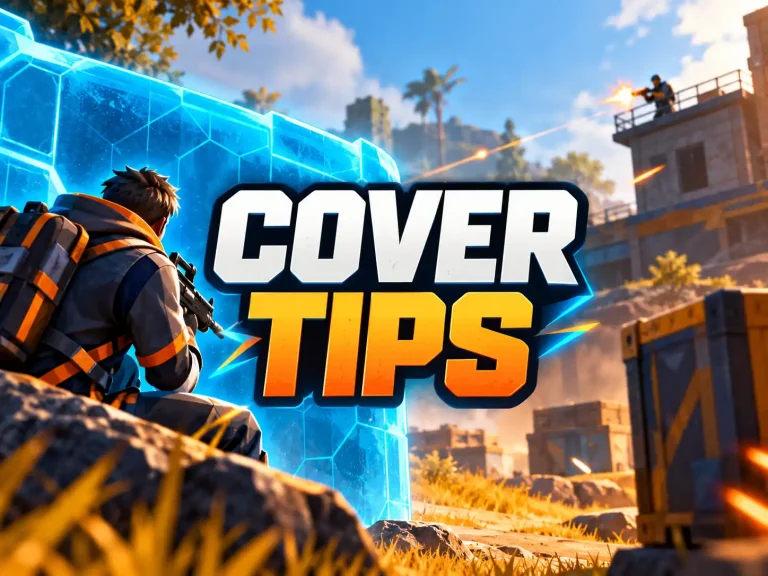
Use cover, listen for nearby movement, and avoid firing from the same exposed position for too long. If your first shots do not create an advantage, reposition instead of standing still.
6. Communicate with your team
Mark enemy locations and useful items, share resources when appropriate, and tell teammates before pushing or retreating. Stay close enough to support one another without grouping so tightly that one attack affects everyone.
Practice the Controls
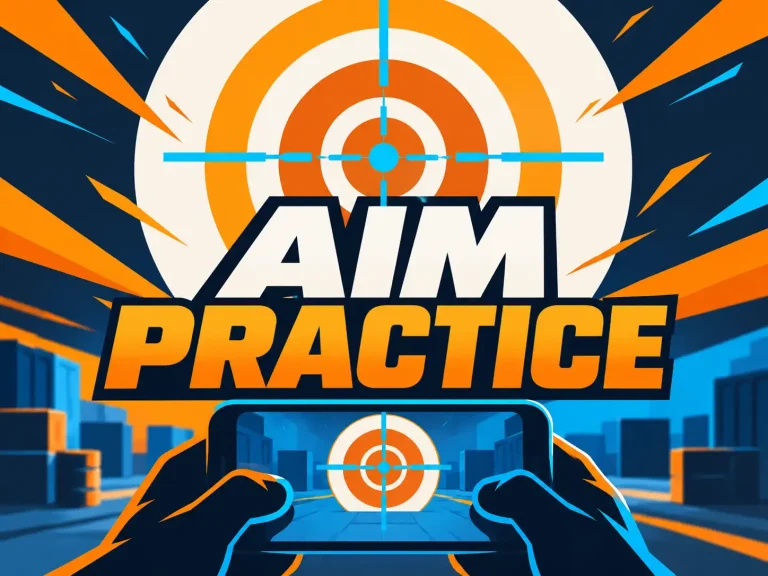
Use the training area to test movement, aiming, weapon switching, healing, and defensive items. Customize the on-screen layout only after you understand the default controls, and change one setting at a time.
Play Fair and Protect Your Account
Keep your login details private, use the official app store, and follow the game’s rules. Garena’s FAQ advises players not to share passwords or identifying information in chat. [3]
Frequently Asked Questions
Is Free Fire free to download?
Garena labels it free to play in its FAQ. The game may offer optional in-game purchases, including diamonds. [3]
Can I play on a computer?
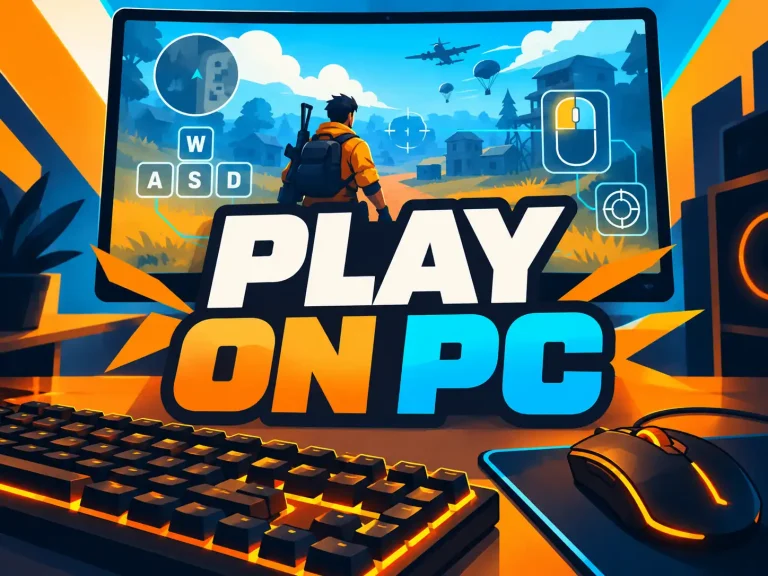
Garena describes Free Fire as mobile-only, but its official matchmaking notice discusses emulator players on PC. See our PC download guide for the distinction. [3][4]
What should a beginner practice first?
Start with movement, looting, map awareness, and basic aim. Consistent positioning and communication matter as much as eliminations.